
Free Online Game Guides
Use MarioGamesKids guides to learn controls, browser play tips, safety notes, and beginner strategies before choosing a game.
Guide Categories
How to Start
Find a game, read the detail page, then open the play page.
Controls
Learn keyboard, mouse, touch, pause, mute, and fullscreen controls.
Strategy Tips
Use game-specific tips for survival, scoring, upgrades, and power-ups.
Safe Browser Play
Understand downloads, iframes, sound permissions, and mobile behavior.
Featured Guides

How to play Cookie Fortress
Click the big cookie to bake, select a tower from the shop, then click the map to place it. Click an existing tower to upgrade it. On mobile, tap the cookie, shop, map, and tower panels in the same order.
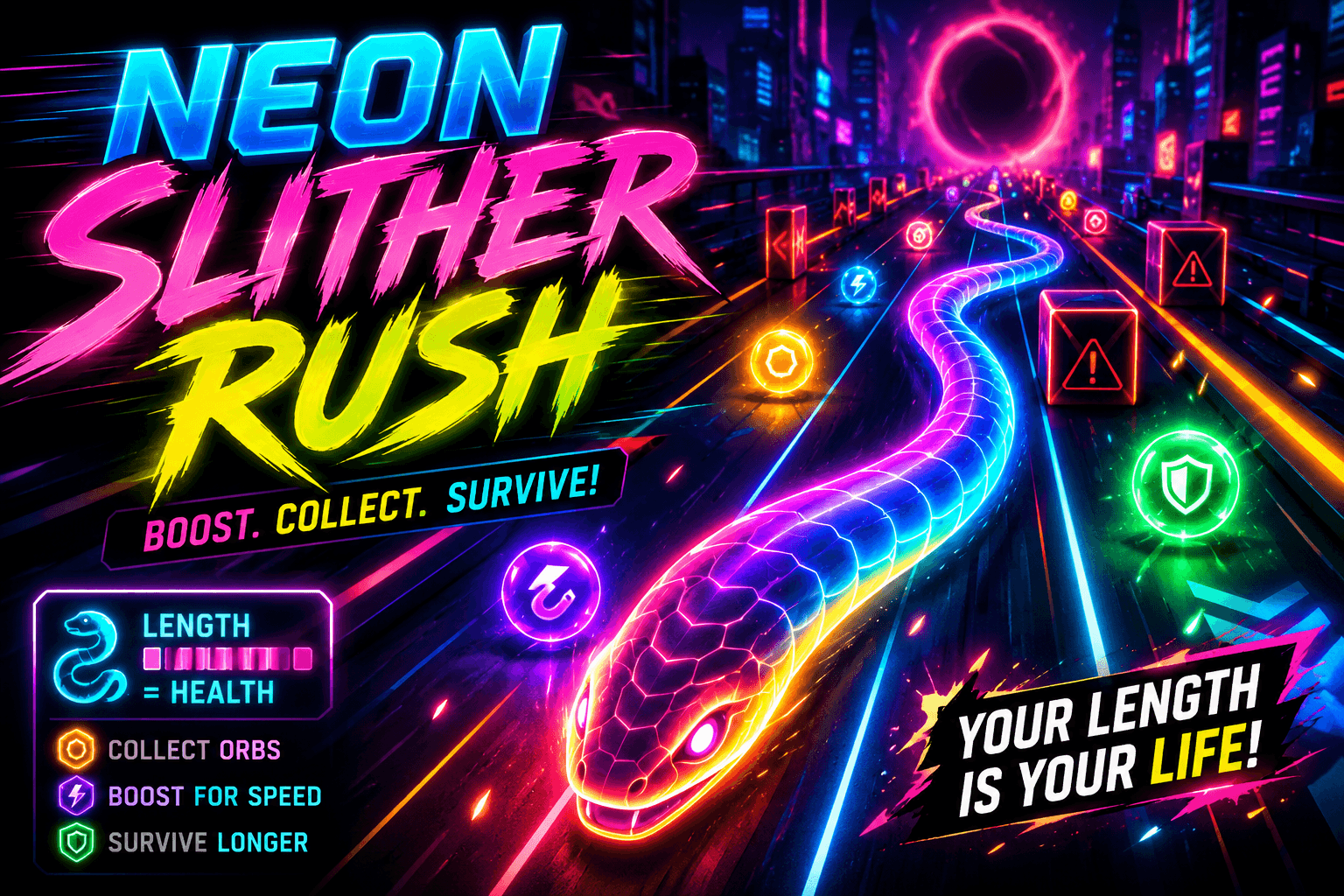
How to play Neon Slither Rush
Use A/D or Left/Right to change lanes. Hold Space to boost. Press P to pause and M to mute. On mobile, swipe left or right to steer and hold the BOOST button when you need speed.
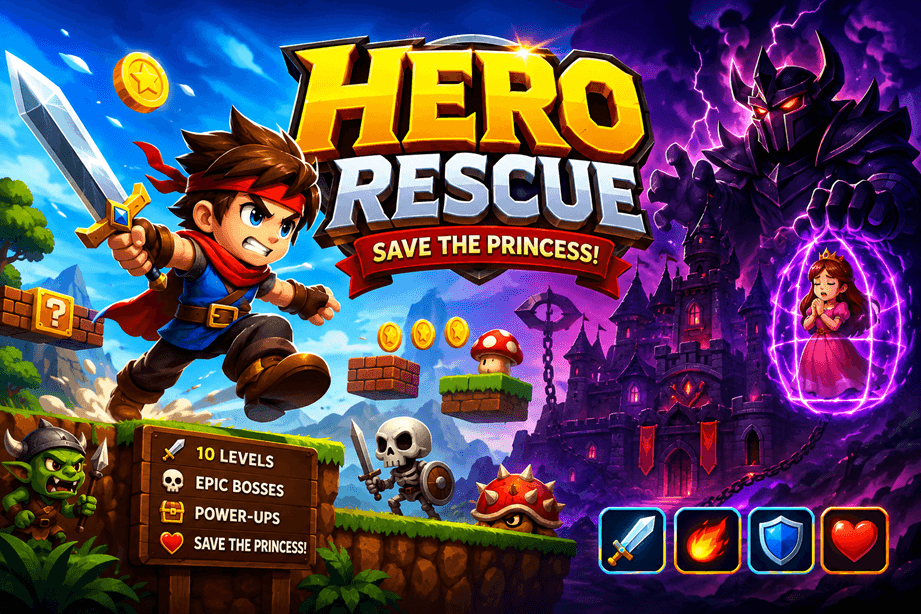
How to play Hero Rescue
Move with Arrow keys or A/D. Jump with Space, W, or Z. Attack with X or J. Press Down or S to drop through thin platforms, P or Esc to pause, and M to mute. Mobile uses the on-screen D-pad and action buttons.

How to play Bubble Merge
Move the mouse to aim and click to shoot. Space also fires. Press P or Esc to pause and M to mute. On mobile, drag to aim and release to shoot.

How to play Last Run
Use A/D or Left/Right to change lanes, W or Up to jump, S or Down to slide, Space to use the active item, and P to pause. On mobile, swipe left, right, up, or down and tap the item button.